GoFullPage's Chrome status on August 24, 2026
Store availability can change, so treat dated listing information as temporary rather than as proof of product quality or safety. The published explanation described a copyright-related issue, not a security finding.
If your concern is workflow, output format, or data handling, use the comparison and four-page trial below. Those factors are more useful than a temporary listing change when deciding whether FullPageRoll fits your work.
Compare the workflow, not the logo
Both products describe a one-click route to a complete webpage. The useful differences appear after that click: how the result is handled, which file you need, whether optional editing matters, and how each tool behaves on your real pages.
| Criterion | FullPageRoll | GoFullPage |
|---|---|---|
| Core capture | Automatic scrolling with one complete result to review | Official site describes one-click full-webpage capture |
| Advertised outputs | High-resolution PNG and continuous single-page PDF | Official site lists PNG, JPG, PDF, and other options |
| Screenshot data handling | Processed and stored locally in the browser; no FullPageRoll server upload | Official guidance says screenshots live locally in the browser extension and explains optional permissions by task |
| Account requirement | No account required | Free capture and download do not require premium; an account manages a premium subscription |
The table deliberately leaves out user counts, star ratings, speed, and “best” claims. Those figures change, and none of them predicts whether a sticky header or lazy-loaded grid on your own site will capture correctly.
Five questions that expose the real fit
- Does the exported format match the next step: visual review, archive, document sharing, or annotation?
- Can you verify where screenshot data is processed and how temporary files are removed?
- Does the tool state its limits for protected pages, infinite feeds, video, WebGL, and nested scrollers?
- Can you review the complete result before saving, especially the middle and bottom of a long page?
- Is the current installation route an official store or developer link rather than a repackaged download?
If a comparison page cannot answer those questions, run the same small capture set in both tools. A direct test on your own page types is more useful than a broad feature checklist.
Run a fair four-page trial
- 01
Choose representative pages
Use one ordinary article, one long documentation page, one page with a sticky header, and one page with content that loads as you scroll. Avoid confidential material during initial testing.
- 02
Hold the environment constant
Use the same browser, window size, zoom level, page state, and loaded content. Close overlays and return the page to the top before each capture.
- 03
Inspect the same parts of each result
Review the first screen, several middle sections, sticky elements, lazy content, and the final footer. Note visible gaps, repeats, missing content, or early cutoffs instead of assigning a vague score.
- 04
Compare the downloaded artifact
Open the actual PNG or PDF at full size. Confirm the dimensions, readable text, page ending, and suitability for the task you intended to complete.
Repeat the trial on the page types you capture most often. A result that is complete on an ordinary article may still differ on a dashboard, nested scroller, or continuously loading feed.
What the evidence can—and cannot—tell you
This comparison does not claim that FullPageRoll is faster, more accurate, safer, or compatible with more pages than GoFullPage. Those conclusions require like-for-like tests on the same webpages, and the result may vary with the page state and browser environment.
Questions to answer before switching
Is FullPageRoll a copy of GoFullPage?
No. It is a separate full-page capture extension with its own workflow, privacy model, preview, and export choices. Similar one-click language describes the task, not shared ownership or identical behavior.
Should I switch only because a store listing changed?
Not without checking the vendor's latest official notice. Store availability can change quickly. Switch when another tool better fits your output, privacy, or workflow needs—not because an old search result implies a permanent status.
Which files can FullPageRoll create?
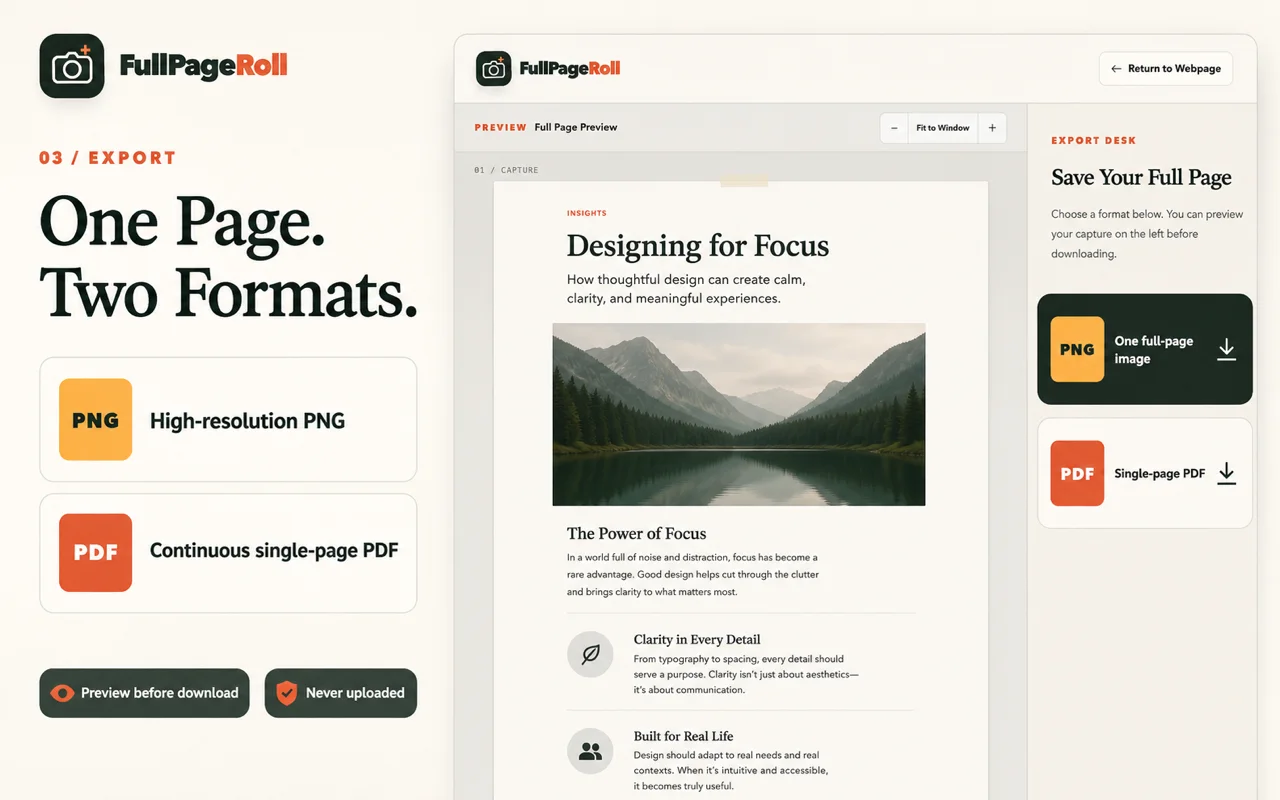
FullPageRoll exports a high-resolution PNG or a continuous single-page PDF. Choose PNG for design review and annotation; choose PDF when one long document is easier to share or archive.
What is the fairest way to compare extensions?
Capture the same ordinary article, long document, sticky-header page, and lazy-loaded page at the same window size and zoom. Inspect the top, joins, dynamic sections, footer, and final downloaded file in both tools.